
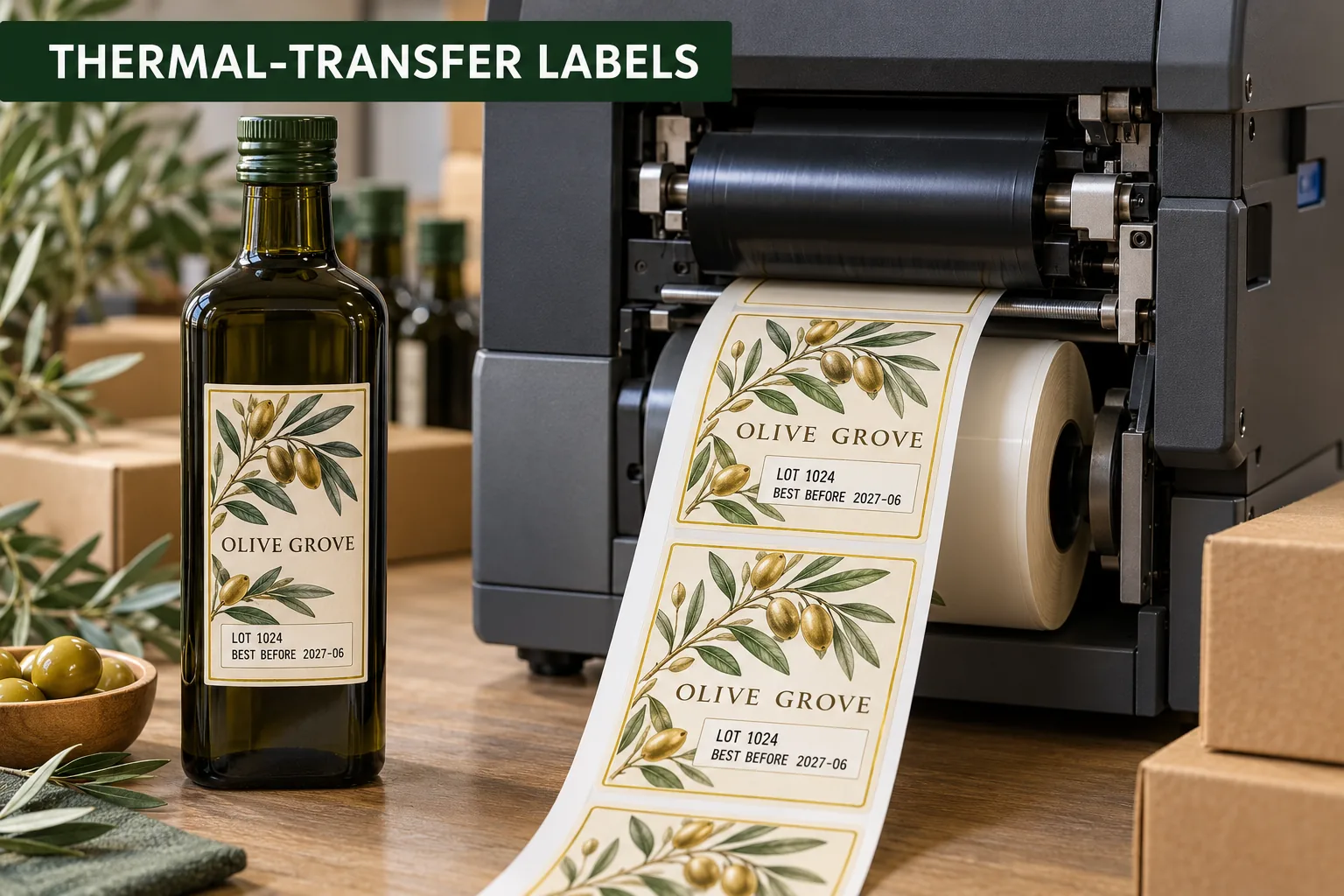
A preprinted bottle label can be ready months before the fill date is known. The brand wants its illustration, color and product story in place; the packer needs to add a lot number or date at the last responsible moment. I would treat that second print pass as part of the label design, not an afterthought squeezed into the remaining white corner.
Thermal-transfer overprinting uses a ribbon and a compatible print surface. A material that accepts beautiful factory artwork may not accept the packer's ribbon cleanly. The printer, ribbon grade, face stock, coating and field size have to be tried together. No generic 鈥渢hermal-transfer compatible鈥?description replaces a sample on the actual setup.
Reserve the Variable Zone Before Designing the Front
| Field | Owner question | Proof check |
|---|---|---|
| Lot code | Who generates and validates it? | Longest realistic code fits |
| Date | Which format and market wording? | Correct human-readable copy |
| Barcode or 2D code | What data and scanner? | Printed sample scans after application |
| Blank area | Where will the ribbon print? | No artwork or varnish interference |
Give the variable area generous margins. If the label wraps around a bottle, a field near the curve can be harder to read or scan. Use the actual package photo to decide whether the data belongs on the back label, a side panel or a separate small label. The responsible brand or packer must approve any required date and product information.
Run Both Print Passes on a Real Sample
Request a short batch of the proposed preprinted label. Feed it through the intended thermal-transfer printer with the ribbon and settings the packer plans to use. Check smearing, missing dots, contrast, registration and abrasion from normal handling. Then apply a sample to the filled or representative package and scan any code there.
For an illustrated olive oil label, the decorative branch motif can live around the variable panel, but it must not intrude into the lot and date area. A white box is not a design failure when it has a clear operational purpose. The difference from a blank placeholder is that its size, location and future content are specified and tested.
Control the File and Reprint Routine
Decide who loads the data file, who checks the first label after a ribbon change and what happens to misprints. If labels are preprinted in several product variants, keep the roll identity visible so a correct lot code is not put onto the wrong artwork. A good approval record includes the fixed artwork version and the variable-data template version.
- Provide printer model, resolution and ribbon details
- Reserve a measured variable-data field
- Use the longest expected data in the proof
- Overprint and scan physical samples
- Check applied labels on the final package
- Define first-label inspection and misprint handling
The code testing guide covers scanning, while the olive oil label guide covers bottle layout. Upload your label sketch and printer details through the specification planner. Designing for the second print pass is how a good-looking label stays useful on packing day.
Questions Before You Order
Can a thermal-transfer printer print over any preprinted label?
No. Face material, coating, ribbon and printer settings must be compatible. Test the exact combination at production size.
Should variable fields be printed by the label factory or the packer?
Either workflow can be considered. Decide who owns the data, when it becomes final and which printer performs the overprint before approving artwork.
Is a barcode readable if it looks sharp to the eye?
Not necessarily. Print and scan a sample with the actual data length, ribbon and scanner after application to the real package.