
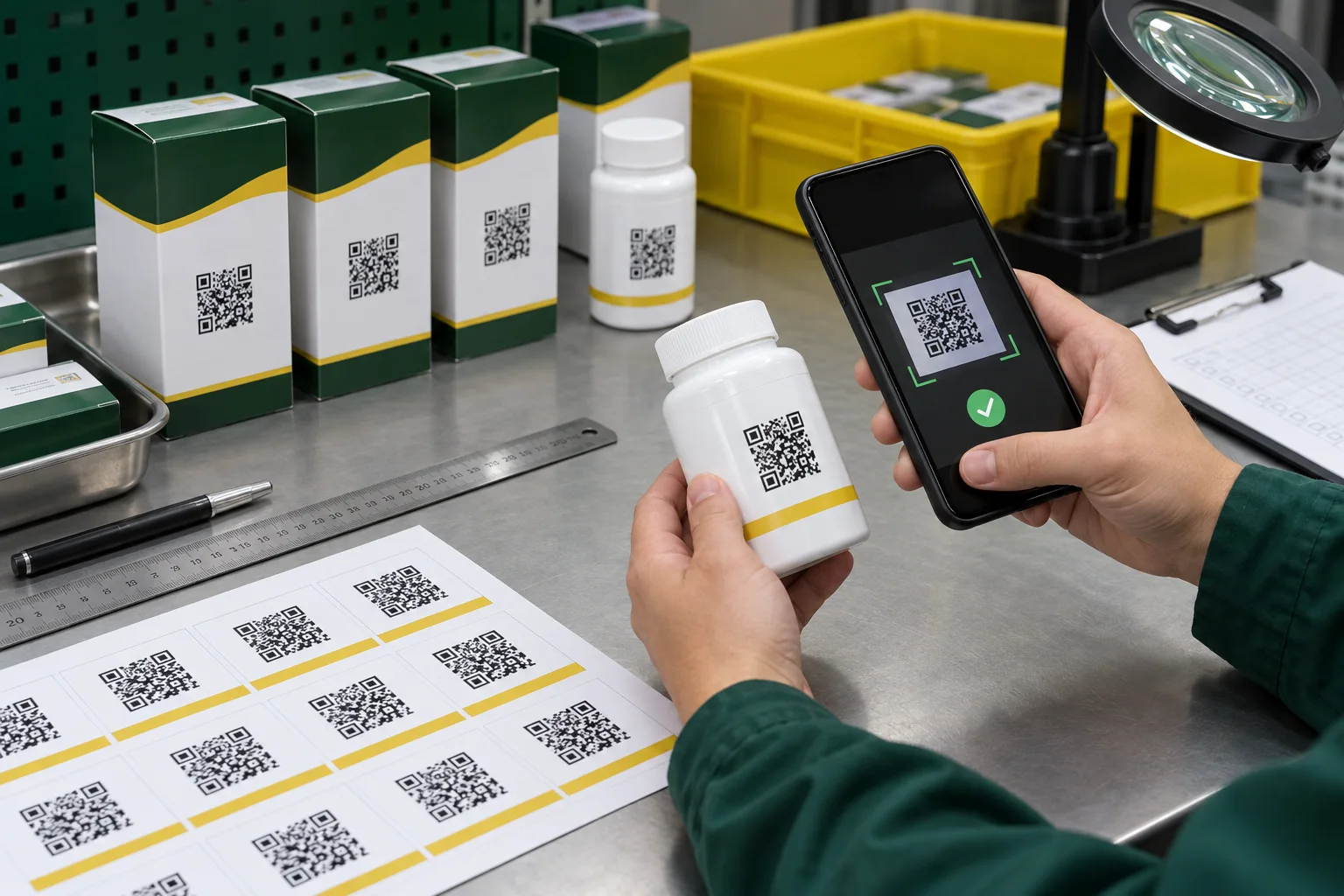
QR code projects often arrive late in the artwork process. The packaging is approved, the campaign is almost live, and somebody drops a small black square into the remaining corner. Then the code is reduced again because the legal copy also needs room.
From a production point of view, the QR code is not decoration. It is a machine-readable component with a destination, a physical size and a failure consequence. We treat it more like a barcode than a logo.
Confirm the Destination Before You Discuss Print
Scan the source file and confirm the exact destination. Check spelling, protocol, redirects, mobile behavior and ownership. If a third-party dynamic-code service is involved, verify the account, subscription and redirect policy. A perfectly printed code cannot rescue an expired destination.
Keep a record connecting the code file to the SKU and URL. File names such as final-2-new.png create avoidable risk. A useful name includes the product, destination version and approval date.
Use a Clean Source File and Protect the Quiet Zone
Generate the code from the final data rather than taking a screenshot. Vector artwork is useful when available because edges remain clean during scaling. Preserve the blank quiet zone around the code. Do not let borders, text, patterns or cutlines crowd it.
Decorative recoloring can work only when contrast remains strong and the scanner can distinguish modules from background. Dark modules on a light, stable field are the cautious starting point. Reversed, metallic, transparent or low-contrast treatments deserve extra testing.
| Risk | What it looks like | Production response |
|---|---|---|
| Too small | Modules lose definition after printing | Test the final code at final physical size |
| Insufficient quiet zone | Nearby graphics interfere with detection | Reserve clear space in the artwork |
| Low contrast | Background or material shows through | Add opaque support and simplify color |
| Curved surface | Code geometry bends away from the camera | Reduce width or choose a flatter panel |
| Gloss and glare | Reflection hides part of the pattern | Review finish and test under use lighting |
Size Depends on More Than One Number
A dense code containing more data has smaller modules at the same overall size. Printing process, viewing distance, camera quality and expected light also matter. This is why copying a minimum size from a generic chart can create false confidence.
Print the real code at several candidate sizes with the intended material and finish. Test at normal distance rather than pressing the phone against the label. Include older and newer phones if the audience is broad.
Package Shape Can Break a Good Flat Test
A code that scans on a proof sheet may struggle after wrapping around a narrow bottle. The camera sees only part of the pattern at once, and highlights move across glossy film. Place the code on the flattest practical panel and keep it away from seams, shoulders and strong tapers.
Clear labels introduce the color behind the code. Metallic or holographic materials introduce reflection. If scanning matters more than the special effect, give the code its own opaque light panel instead of forcing the scanner to admire the finish.
Run a Small but Real Test Matrix
- Scan the approved source file before printing
- Print at final size on the intended material and finish
- Apply to the real box, bottle, pouch or event item
- Test multiple phone models and camera apps
- Test bright, normal and low indoor light
- Test normal viewing distance and approach angle
- Confirm the mobile landing page loads correctly
- Repeat after lamination, varnish or package filling
- Retain the approved printed sample with the URL record
Who Owns the Last Check?
The printer can check reproduction and perform agreed sample scans. The buyer must own the destination, content and long-term availability of the link. Both sides should scan the approved production sample before bulk release.
A QR sticker earns its space only when a customer can use it. Give it enough contrast, enough room and one final test after it reaches the package. That last scan is cheaper than explaining a dead campaign to a warehouse full of finished stock.