
A file may have a PDF extension, but inside it is a small image copied from a messaging app. Another file contains clean paths but depends on a linked photograph that was never supplied. Asking which sticker artwork file format is best will not resolve either problem until the buyer checks what is actually in the file.
Choose the handoff format according to what needs to remain editable and what must reproduce accurately. Keep an appearance reference alongside the appropriate source where available. A familiar extension is a useful label, not proof that fonts, images, dimensions and production information have survived the export.
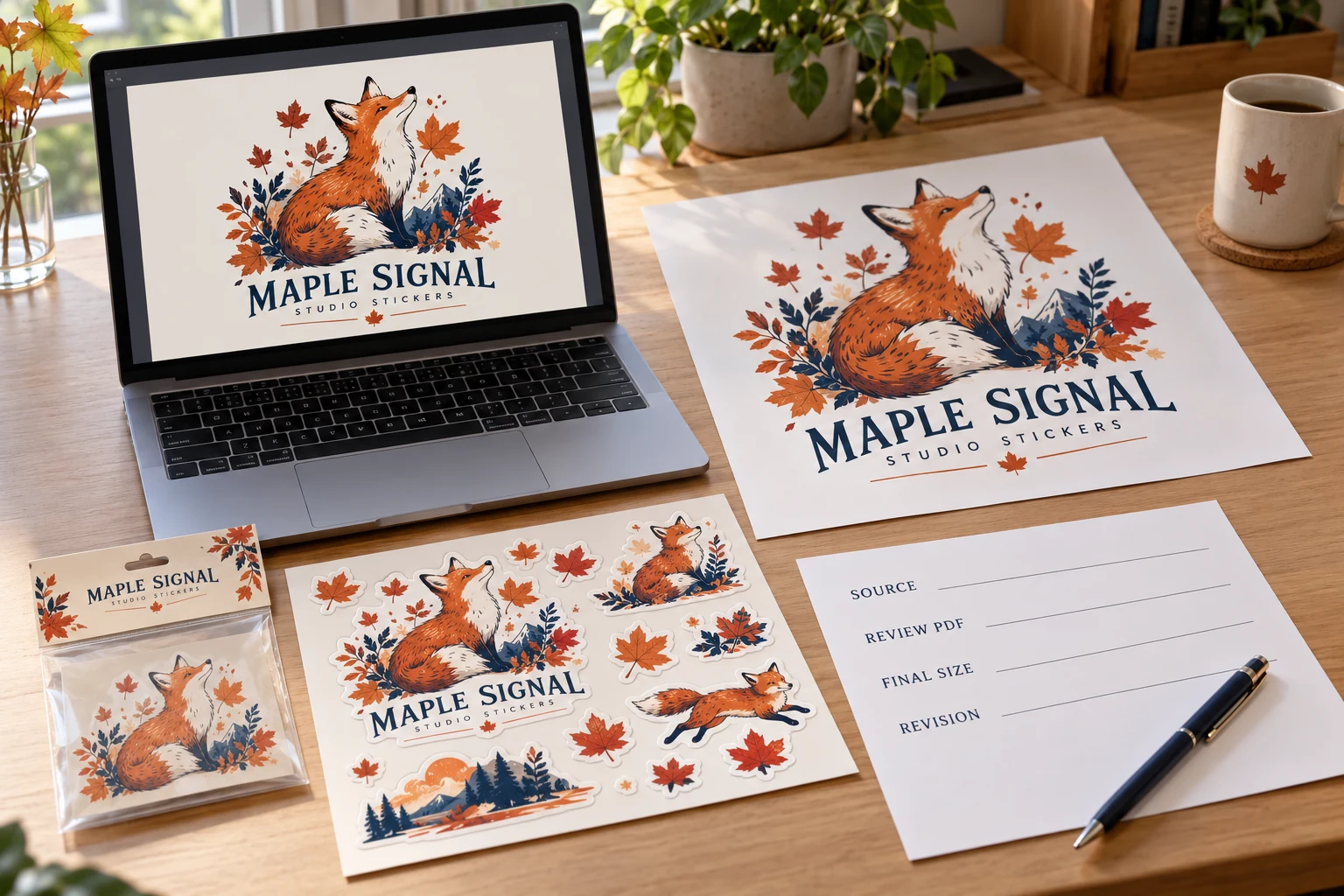
Decide what the next person needs to do
Separate viewing, editing and production exchange. A visual reference helps communicate the intended appearance. An editable source may allow text, paths or layout to be adjusted. A production export must preserve the information required by the receiving workflow. One file can support several tasks, but do not assume it does.
Ask which format and settings the supplier needs before changing the only original. If a contour, white separation or specific effect requires an identified setup, obtain that instruction. Preserve a source copy so a later wording correction is still possible.
The artwork preparation guide organizes the overall handoff. This article addresses a narrower decision: whether the files retain what that handoff requires, rather than whether every project should use the same extension.
Distinguish vector content from raster content
Vector artwork represents shapes through paths. Raster artwork uses pixels. A document can contain both, and a vector-capable format can still contain an embedded low-detail raster image. Exporting that image into a PDF or AI document does not recreate the missing original geometry.
At final printed dimensions, inspect the content that matters: letters, curves, image detail and edges. Supply the highest-quality original available rather than a messaging preview. Enlarging a low-detail image or changing its resolution label does not restore information that was never present.
| File role | What to check | What the extension cannot promise |
|---|---|---|
| Editable vector source | Paths, text, effects and linked content | Every object is actually vector or self-contained |
| Layered image source | Pixel detail and useful separated content | Unlimited enlargement or editable typography |
| Review or production PDF | Correct export, dimensions and preserved features | It matches the latest source or contains all special instructions |
| PNG or other image reference | Pixel dimensions, transparency and final-size detail | An editable cutline or production white separation |
| Compressed photo reference | Original quality and intended use | Fine text, transparency or artwork editability |
If only a raster original exists, send it honestly and explain the required dimensions. Ask what reconstruction or additional work would be needed, who would approve it and whether the result still represents the original design. Do not describe an automatic conversion as a verified reproduction.
Check fonts and linked images before export
Text can change when a required font is unavailable or substituted. Linked images can be absent even when the designer's local document looked complete. Ask the designer to review the package's dependencies and the receiving workflow's requirements.
Where appropriate, an outlined-text export can preserve letter shapes, but it changes how later text editing works. Keep the editable original and check the outlined export against it. Do not distribute font files unless the relevant permissions allow that handoff; the practical goal is reliable reproduction, not indiscriminate file collection.
Review the actual PDF or other export being sent. Compare the longest variant name, images and special print intent against the source reference. An export preset may help organize a workflow, but selecting it is not evidence that every object in the document is correct.
Preserve the information that changes production
Check transparency, effects and color handling relevant to the design. Adobe's PDF options describe settings that affect editability, fonts, transparency and overprinting. Their availability does not determine which settings a particular supplier requires. Agree that requirement instead of choosing an impressive preset name by habit.
White printing needs special care. A white-looking area in a preview is not automatically a defined print separation. The white-ink readability guide explains how to connect that intent to the actual background and critical text.
Cutting information has another role. An appearance image may show the desired contour without providing a usable path. Use the cutline guide to agree the finished edge and how cutting information should be delivered. Do not let a decorative outline become a cut instruction by accident.
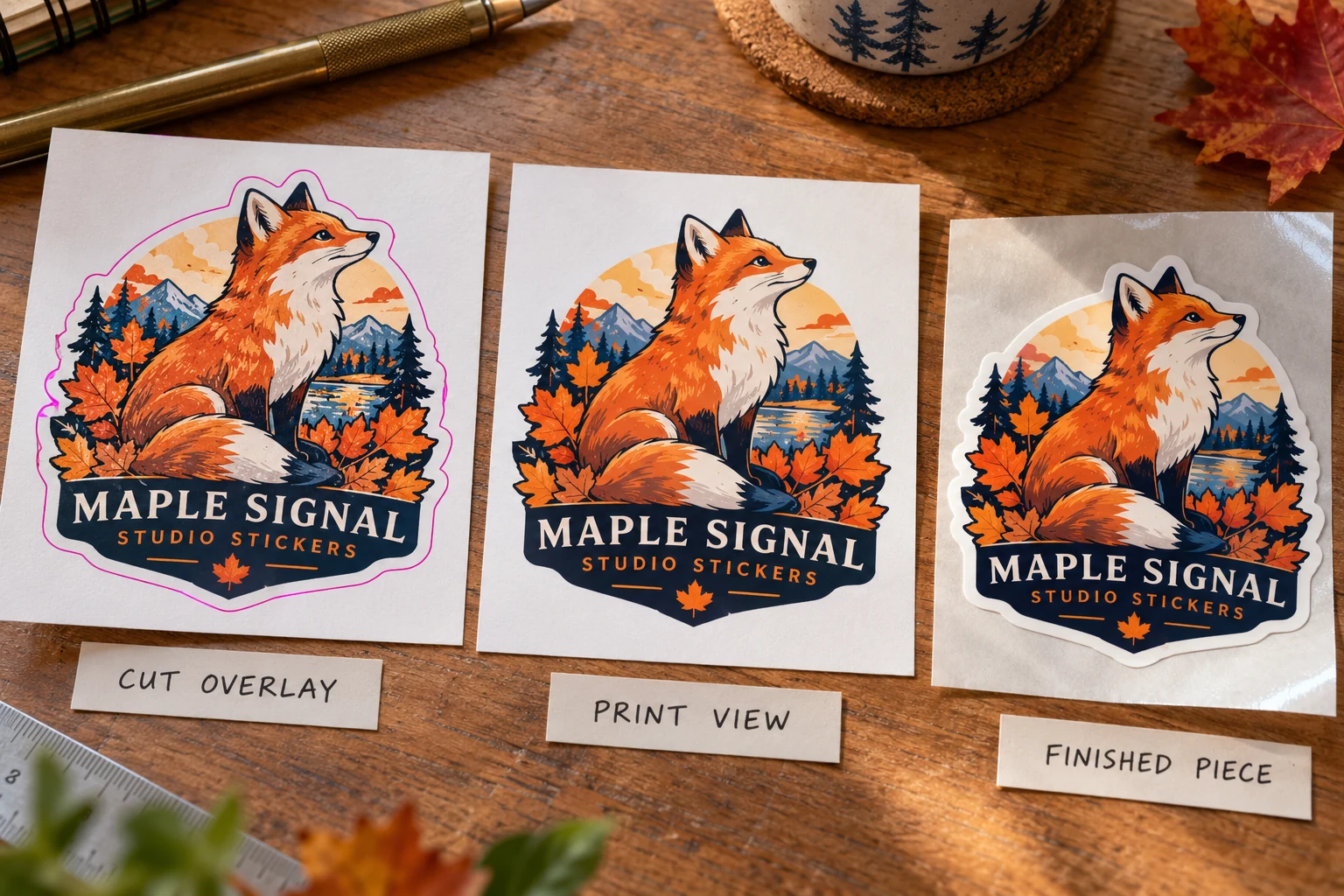
Select the deliverable for the requested action
If the task is a wording or contour edit, ask for an appropriate editable original plus the reference appearance. If the artwork is photographic, retain the original pixel file rather than rebuilding it as nominal vector shapes. If the next step is review only, an identified checked export may be appropriate, with its limitations stated. Special white or cutting information still needs the receiving workflow's agreed representation. This decision starts from the requested action, then checks the file content; it does not rank extensions in isolation.
Verify the handoff on the receiving side
Request confirmation of any missing or changed content before approving the resulting proof. If a supplier modifies the file for production, review the affected appearance and geometry in the returned reference. A source and proof with similar names can still contain different content.
Version the revised file rather than allowing several incompatible finals to circulate. Keep the release tied to the accepted export, dimensions and artwork identity. If a later source edit occurs, identify whether a new export and approval are required.
There is a tradeoff between preserving full editability and simplifying a production exchange. The answer is usually a controlled source plus a checked reference, with any required production export identified. It is not a blanket instruction to flatten everything or insist that every buyer owns specialist design software.
Send ZC Labels a file review request with the best original files available, the reference appearance, final printed dimensions, required edits and identified white or cutting information. State any missing fonts or links you know about. Those details let the next discussion address the actual content instead of guessing from a filename.