
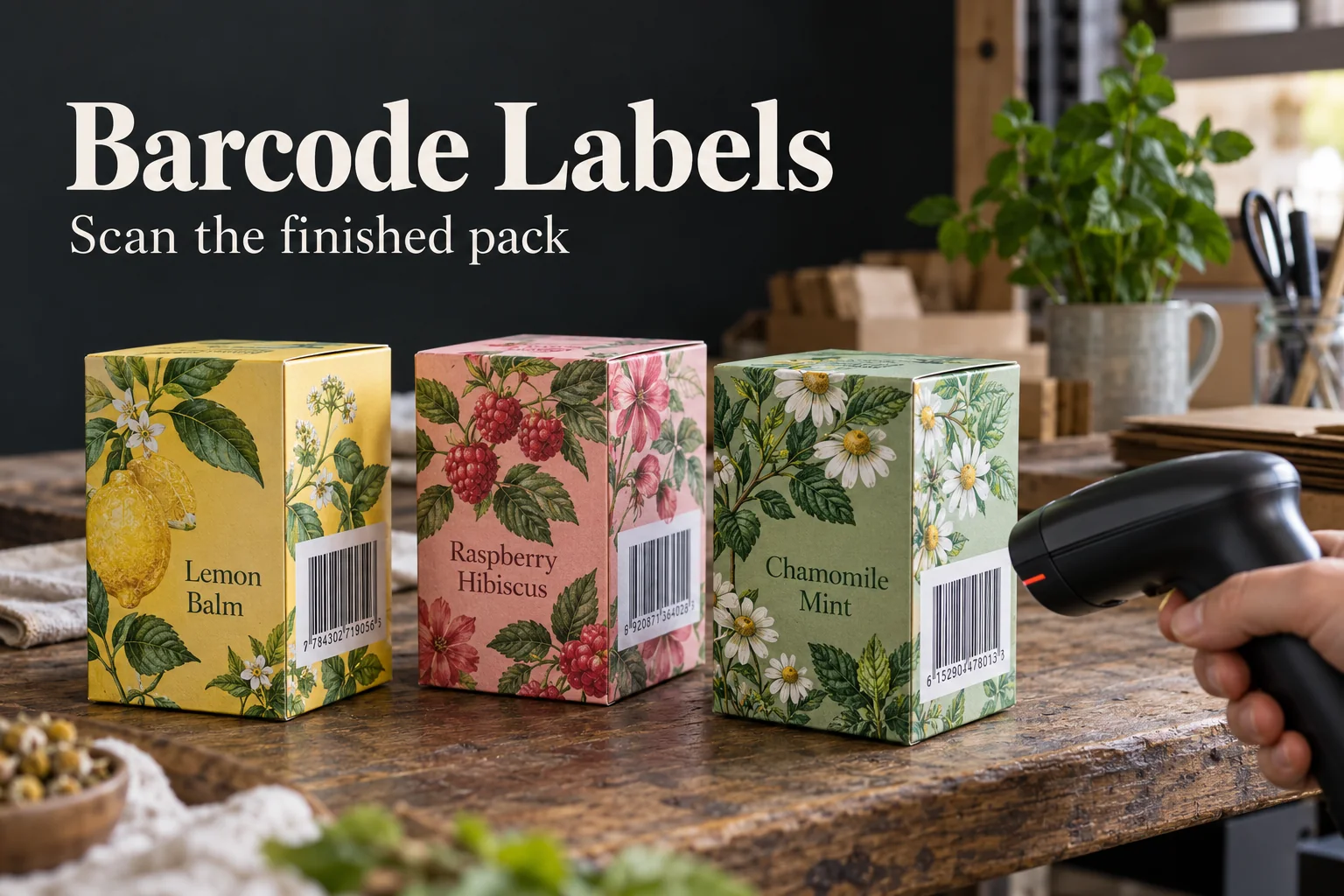
A barcode can look razor sharp in the design file and still be the weakest part of a product label. A box fold cuts into the white margin, a dark illustration creeps behind the bars, or the bottle curve turns the symbol away from the scanner. I would start with the real checkout or receiving path: who scans it, on which finished package, and from what side?
The brand owns the approved product identifier and the decision about which code belongs on each variant. The label supplier can reproduce that data and check print placement, but should not invent a GTIN, substitute a sample number or silently reuse one SKU's barcode on another.
Protect the Quiet Zone Before Styling the Label
GS1 identifies quiet zones, symbol size, contrast and placement as common barcode quality checks in its barcode quality guidance. Treat the white area around the bars as part of the code, not empty space available for a border or illustration. A decorative frame that touches it can make a good design a bad scan.
Print a proof at final size on the intended material. Check whether laminate glare, a textured carton, a dark bottle or a clear label changes the contrast. Put the label on the filled package and try the scanner used in the actual workflow. A successful phone-camera read is helpful, but it does not replace any formal verification the retailer requests.
Make Variant Control Boring on Purpose
For a range of flavors or scents, pair each original illustrated front label with the correct approved identifier on the back or side. Use a short human-readable SKU name as a second check. When artwork changes, reconcile the approved data file, proof version and carton label before the next run. It is much easier to catch a swapped code at proof stage than after products reach a shelf.
| Question | Evidence to request |
|---|---|
| Which code belongs to this SKU? | Owner-approved data list |
| Can it scan on this package? | Final-size printed and applied sample |
| Does the design interfere? | Clear quiet zone and contrast check |
| Will reorders stay matched? | Versioned proof and code record |
A barcode label need not be a dull white rectangle. Give the product a complete original visual identity, then let the code occupy its own disciplined space. The QR code guide covers a different symbol and use case; the reorder checklist helps protect SKU versions. Send the approved data and a packed-product photo through the specification planner.
Questions Before You Order
Can the printer create my retail product number?
The brand or authorized data owner must supply the approved product identifier and barcode specification. The printer should not invent retail IDs.
Can a barcode sit on a curved bottle?
It can be proposed, but curvature and placement affect scanning. Use the applicable GS1 guidance and test the code on the filled retail pack.
Will a phone scan prove a retail barcode is acceptable?
No. A phone test is a useful quick check, not a substitute for the retailer-specific scanner and formal verification required by the project.