
The designer has found a sheet template with the right number of rectangles. Procurement orders labels with those dimensions. At the packing desk, the print smears or the operator cannot confirm that the sheet is permitted in the installed printer. The template solved the layout question; the material and feed questions remained open.
For laser vs inkjet label sheets, choose against the actual printer and the complete supplied sheet. A matching outline does not establish heat tolerance, ink reception or a supported feed path. Confirm the media route before committing to a large quantity of preprinted or blank stock.
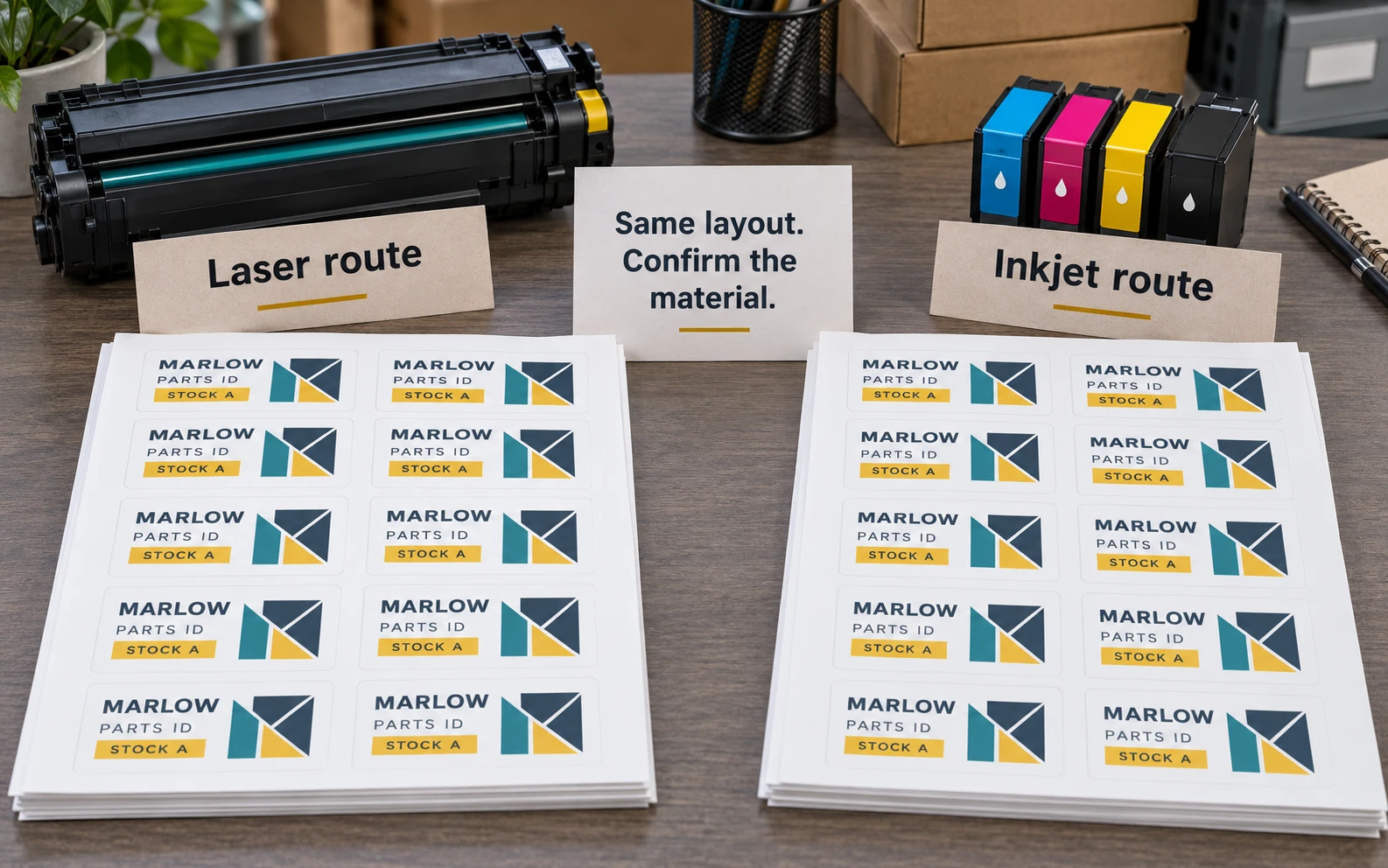
Start with the installed printer
Record its exact model, configuration and applicable media instructions. Identify whether it uses toner or ink and which tray or feed route is intended for labels. Keep the manufacturer's supported size, thickness and media restrictions with the project record rather than relying on an office nickname for the machine.
If the printing will be outsourced, ask the actual print provider for its receiving requirements. A designer's home printer is not a useful compatibility reference for a different commercial operation. If nobody has chosen a printer, define the printing task before buying the material.
Also decide what is being supplied. Fully printed labels, blank printable sheets and decorative sheets with a later-print field create different responsibilities. The last option needs a compatible surface at the exact field that the local printer will reach; its pale appearance alone does not identify that surface.
Separate heat compatibility from ink reception
Avery's laser and inkjet product guidance explains why it recommends matching its products to the specified printer technology. It identifies laser heat as a concern for unsuitable inkjet products and wet-ink reception as a concern when inkjet printing unsuitable laser products. It also sells products designated for both technologies.
Those statements describe identified products, not a rule that all paper labels work in both systems or all film labels fail in one. Ask for the actual material's designation and the printer provider's requirements. Dual-use suitability needs evidence for the proposed sheet, rather than an assumption based on its color or gloss.
Do not treat successful feeding as the whole approval. A sheet can travel through a device while leaving an unacceptable printed result. Equally, readable output from one isolated sheet does not establish an approved routine for a different sheet construction or quantity.
Keep the whole backing inside the specification
The label face may fit the product while its backing does not fit the printer's supported sheet format. Record the complete sheet dimensions, margins, label positions and feed orientation. Keep those separate from each individual label's finished size.
| Purchase input | Why it belongs in the review |
|---|---|
| Exact printer and supported media route | Establishes the equipment boundary |
| Complete sheet and label dimensions | Connects backing feed with artwork placement |
| Material and compatibility reference | Identifies what receives heat or wet ink |
| Fixed print and later-print map | Shows the surface presented at the local pass |
| Template and scale settings | Connects the file to the actual sheet layout |
| Accepted physical output | Records the observed combination |
The complete backing-size guide covers that footprint in detail. Changing from a roll to a sheet also changes handling and quantities; the roll-versus-sheet comparison helps decide whether local sheet printing is the right workflow at all.
Plan a supported single-use sheet workflow
A partially used sheet can look economical because several labels remain. Before putting it back into a printer, check the applicable product and equipment instructions. Avery's labels FAQ recommends feeding its label sheets only once and discusses curling and peeling concerns after repeated passes. That is a meaningful product instruction, not a universal permission to experiment with another construction.
Define what happens when a job needs fewer labels than a complete sheet. A smaller approved release, another supported sheet layout or supplier-printed variable information may be worth discussing. Obtain actual costs and available services. Do not prescribe trimming or refeeding a sheet as a workaround for an unsupported route.
Retain remaining unused full sheets in the appropriate protective packing with their identity visible. A loose sheet without a product reference is a poor basis for deciding what the printer can accept.
Review the file and physical output separately
First confirm the layout against the complete sheet using the intended template and scale. A paper layout check can expose alignment assumptions, but ordinary paper does not establish label-media compatibility. Then request an appropriate physical review using the approved equipment route and proposed label construction.
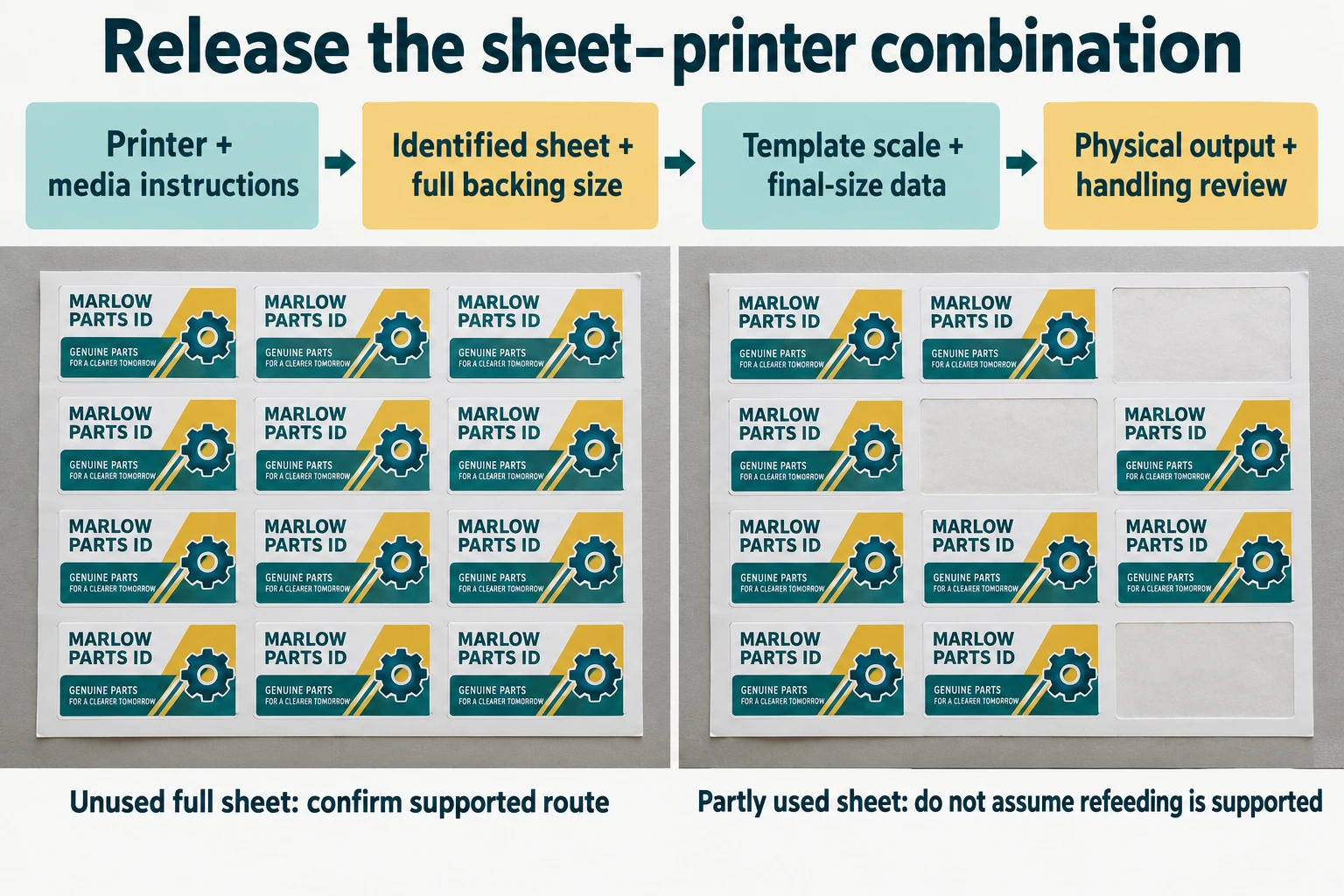
Check relevant text, borders and the longest data at final size. Record whether output reaches the intended field and whether the printed information remains usable through the required handling. Agree observations and acceptance with the responsible owner; this article supplies no universal rub count, drying interval or print setting.
If the label will be applied to a product, include that actual state in the relevant review. A clean loose sheet does not answer whether a code remains accessible after a flap folds over it. Nor does compatibility with the printer establish adhesive performance on the destination surface.
Compare local printing with a finished supply
Local sheet printing can be useful when information changes near application and a compatible supported process exists. It also creates responsibilities for selecting stock, controlling the file, loading sheets and checking output. Supplier printing can move some of that work earlier, subject to confirmed scope and the point when the data becomes final.
Neither route is automatically cheaper. Compare the quoted finished quantities, unused material, local handling and required review. If a familiar approved sheet already performs the job, a cosmetic material change may not justify repeating the full qualification. If the sheet cannot meet an essential requirement, say which requirement remains unresolved before ordering more.
Send ZC Labels the exact printer and media instructions, complete sheet size, label dimensions, artwork or changing-data example, proposed material reference, package photos, quantities by design and destination through the sheet-label enquiry. Use the custom sticker sheet page to discuss the supplied format and ask which scope can be confirmed. The useful next step is a named sheet-and-printer combination, rather than another template that happens to fit.