
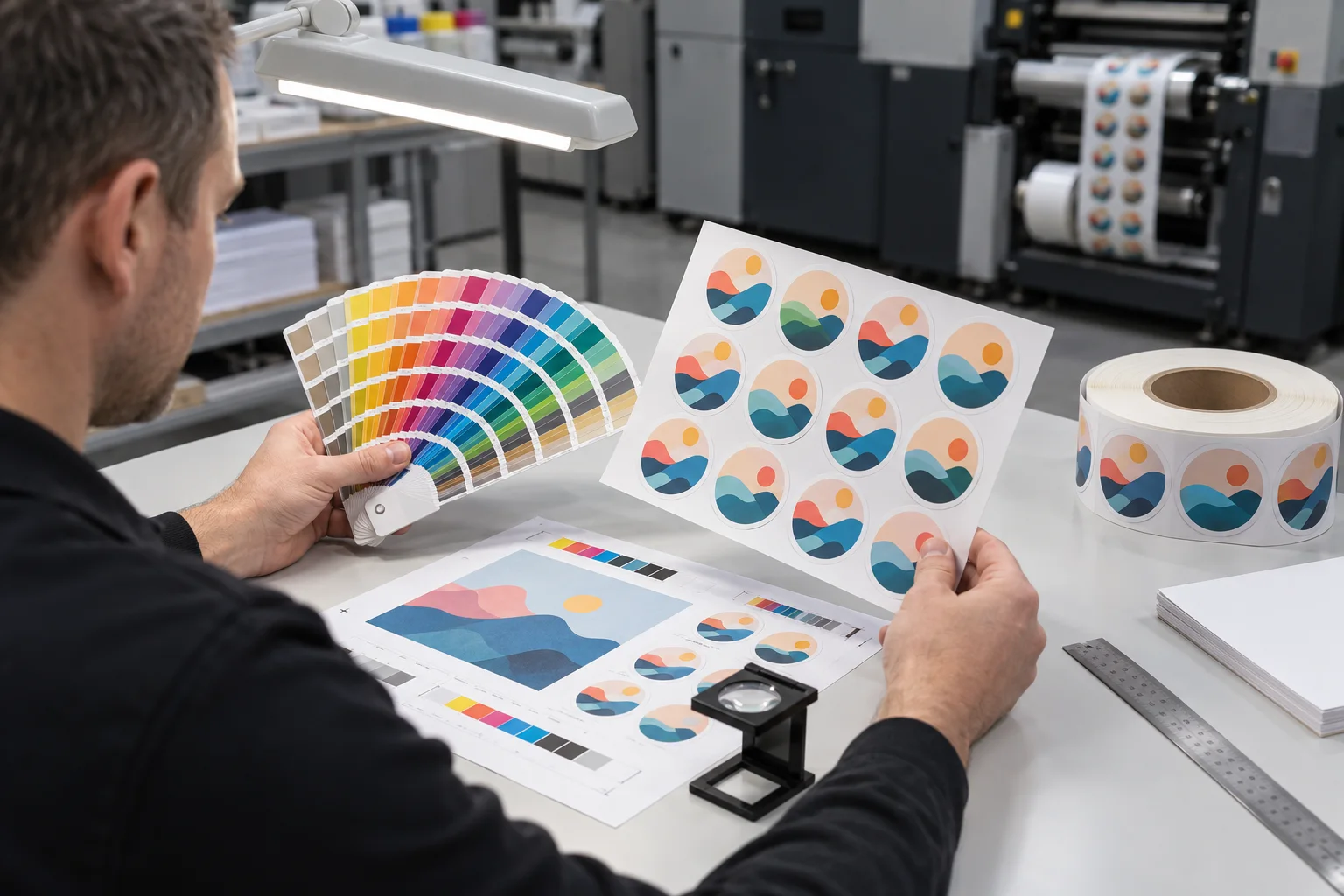
Color disputes often begin with two people looking at two different things. The buyer sees a bright logo on a phone. The production team sees converted artwork on a monitor. The press prints ink onto paper, white vinyl, clear film or holographic material. Each step changes the evidence.
Our job is not to promise that every device and material will look identical. It is to agree on a usable reference and control the variables that matter most.
A Screen Is Not a Printed Substrate
RGB screens create color with light. Printed stickers normally build color with inks, commonly through process-color combinations or a defined spot-color workflow. A vivid screen color may sit outside the printable range of a chosen process and material.
Before requesting a match, identify the source of truth. Is it a physical package, an approved previous sticker, a color reference, or only an on-screen file? If the only reference is a screenshot, expectations should stay cautious because the display settings are unknown.
| Reference | Useful for | Limitation |
|---|---|---|
| Artwork values | Consistent file setup and repeatable review | Do not show substrate and finish |
| Physical color reference | Target comparison under controlled light | May not reproduce identically with every print process |
| Approved printed sample | Repeat-order comparison | Age, batch and material changes can affect appearance |
| PDF digital proof | Content, position and artwork version | Not a physical color guarantee |
Material Color Participates in the Result
White paper and white film provide different surfaces. Kraft paper adds its own brown tone. Clear film allows the package color to influence the design unless white ink supports selected areas. Holographic film introduces moving reflection.
This is why copying the same file onto a new material can change the visual result. The artwork may need adjusted ink values, white support or a different expectation for unprinted areas. Material selection is part of color planning, not just a cost line.
Finish Changes What the Eye Notices
Gloss can deepen apparent contrast and create highlights. Matte can reduce glare but may make colors feel quieter. Texture, lamination and varnish can also influence perceived sharpness. If the finish is central to the product presentation, approve color with that finish included.
Lighting matters too. A label viewed under a neutral inspection lamp, retail LED lighting and warm restaurant lighting may not feel identical. When the target is sensitive, define the main viewing environment rather than chasing a universal appearance.
Separate Critical Colors From Flexible Colors
Not every color needs the same control. A primary logo color may deserve a physical reference and tighter review. A background illustration may allow more variation. Marking the critical elements helps the production team focus attention where a difference would affect brand recognition.
Repeat orders should reference the previous approved production sample and the current material specification. Even then, reasonable process variation should be discussed. "Match exactly" is not a measurement; an agreed reference and tolerance are.
Color Review Checklist
- Final color-managed artwork file
- Physical or digital source of truth
- Critical logo colors identified
- Sticker material and its base color
- White ink requirement on clear or special film
- Matte, gloss or other finish
- Main viewing light and application surface
- Digital proof versus printed sample requirement
- Approved sample retained for repeat orders
- Acceptable production tolerance discussed
Our Honest Recommendation
If color matters commercially, do not approve it from a phone screenshot. Send the original file and the best physical reference available, then review the color on the intended material and finish. The point is not to eliminate every difference. It is to decide which differences are acceptable before the press run.