
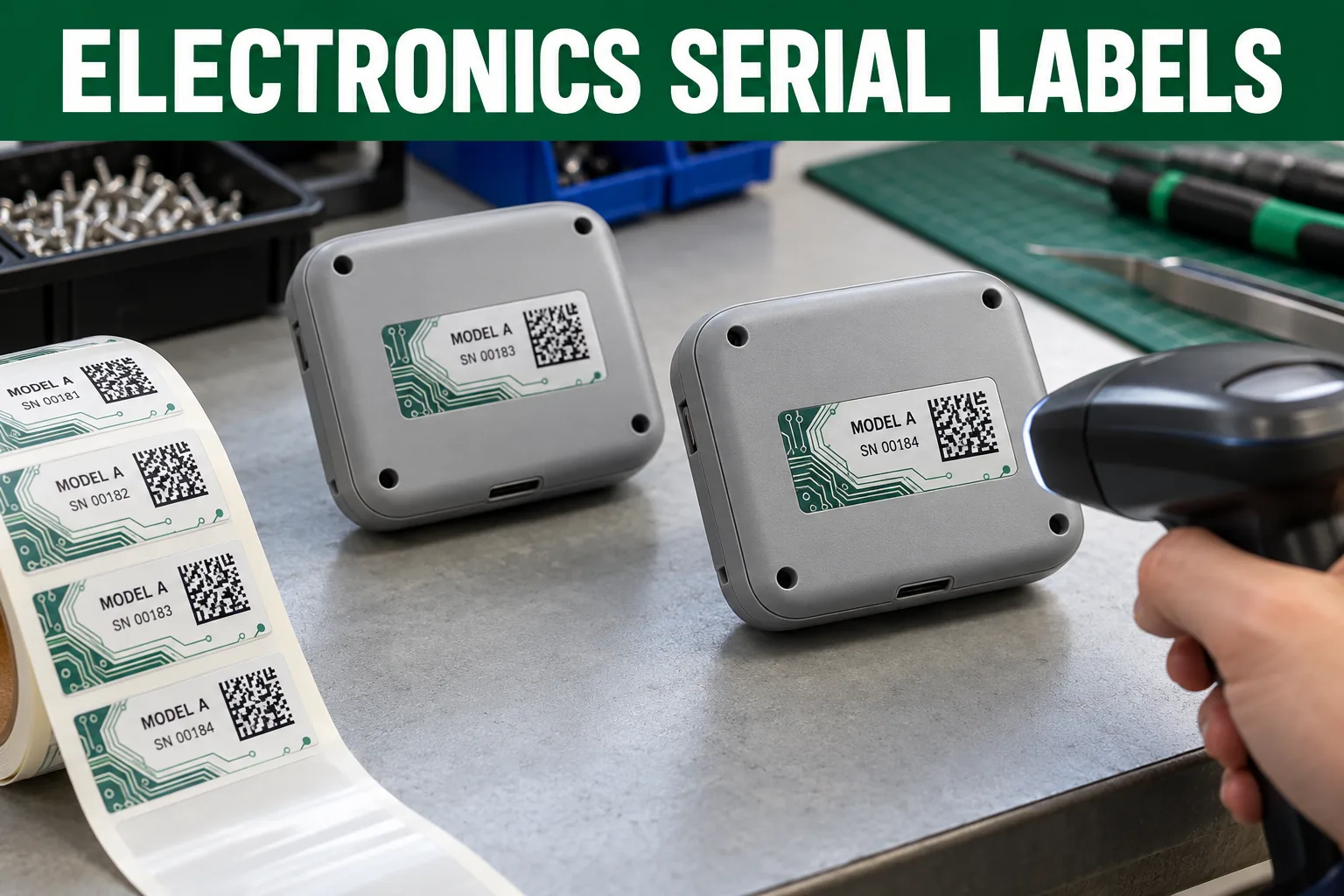
An electronics label is easy to underestimate because the artwork may be mostly numbers. At final assembly, however, one mismatched serial can make support, inventory and warranty records harder to use. The label must be readable, correctly paired with the device and placed where a technician can find it without dismantling the product.
I would begin with the data flow, not a material swatch. Who creates serials? Who prevents duplicates? When is a label matched to the assembled unit? A crisp print cannot repair an uncontrolled spreadsheet. The brand or manufacturer must own the identifier scheme and any regulatory or product-rating content.
Separate Fixed Artwork From Variable Data
| Element | Owner decision | Proof check |
|---|---|---|
| Product identity | Model name and version | Match the enclosure and box |
| Serial number | Source, sequence and uniqueness | First, middle and last records |
| Barcode or 2D code | Data encoded and scanner type | Scan printed final-size samples |
| Other markings | Approved market-specific wording | Owner sign-off, not supplier invention |
For a code, agree on the encoding and quiet zone. Check whether a human-readable serial sits nearby so a technician can recover the identity if a scanner is unavailable. Sample several data records, including the longest likely string. Testing one short demonstration number is not enough.
Place the Label on the Actual Enclosure
The flat-looking back of a device may have vents, screws, a curve or a recess. A powder-coated metal enclosure, textured plastic and glossy carton offer different surfaces. Measure the usable space, note heat and cleaning exposure, then apply a material sample in the actual assembly sequence. Keep a serial away from a seam that will be opened routinely.
Do not use an attractive mockup with fake compliance logos to suggest the device has approvals. If a rating or safety mark is required, the responsible product owner supplies exact approved artwork and test requirements. This article concerns identification planning, not certification.
Build a Final Inspection That Finds Mismatches
Print a final-size sample and scan it after application, not only on a loose liner. Check the result against the visible serial and the device record. Decide what happens to a damaged or misprinted label and how that serial is retired or reissued. Those simple decisions protect the integrity of the data more than an elaborate graphic border.
- Supply an approved data file and numbering rules
- Confirm exact enclosure surface and placement photo
- Check longest strings at final label size
- Scan samples after application
- Define duplicate, damage and reprint handling
- Match device, label and carton records at inspection
The code scan testing guide goes deeper on printed codes; the surface matching guide frames enclosure trials. Send the approved layout, data rules and surface photo through the specification planner. The best serial label is boring in precisely the ways a service team needs.
Questions Before You Order
Can serial numbers be changed after the labels are printed?
Not on a fixed print run. Approve the data source, numbering rules and replacement procedure before producing variable labels.
Does a readable barcode on screen guarantee scanning?
No. Test printed codes at final size with the actual scanner and after application to the real enclosure.
Can an ordinary sticker serve as a rating plate?
Do not assume so. Any required safety, durability or regulatory marking needs an application-specific review and owner-approved content.