
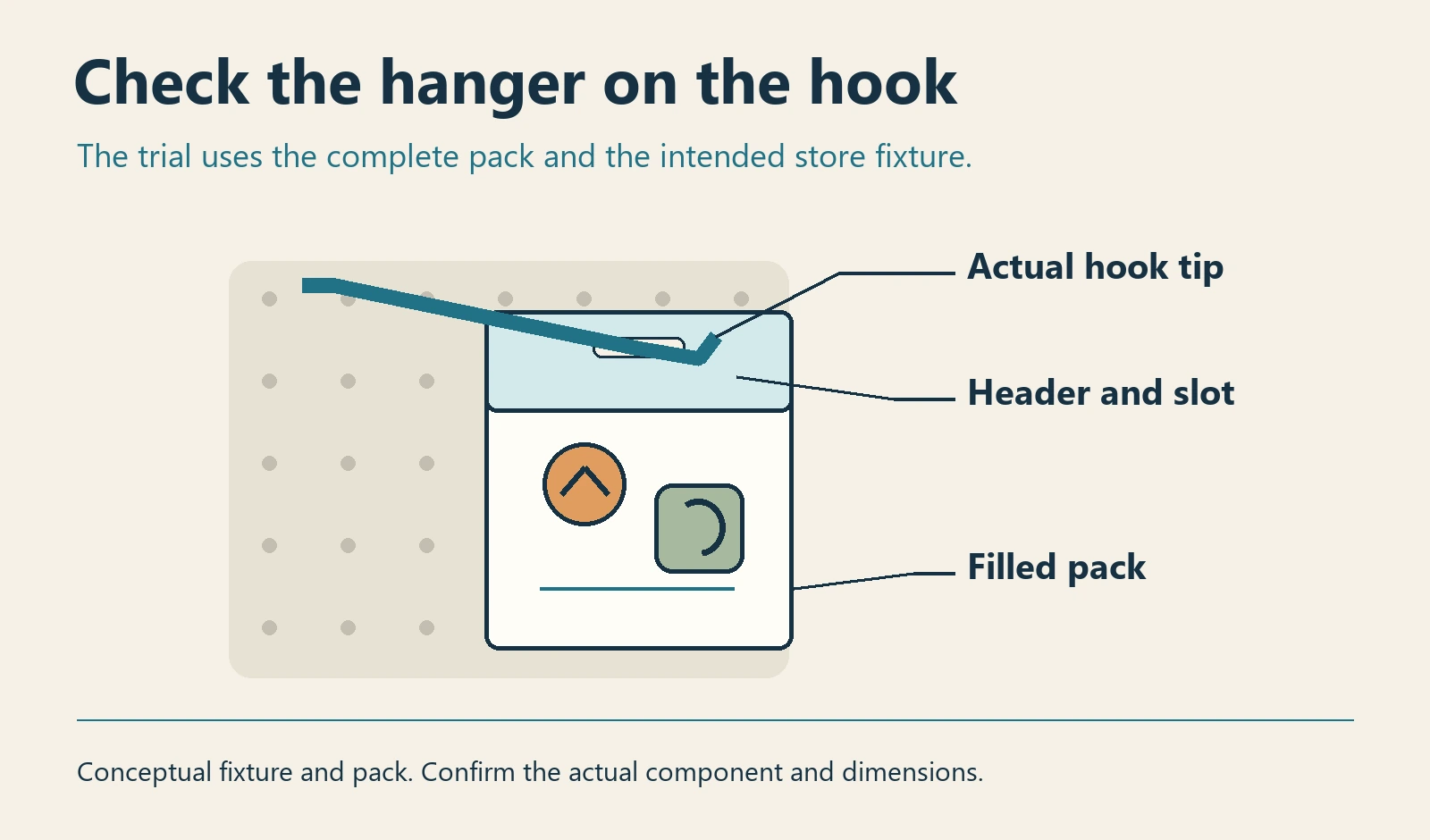
Approve a hanger for a retail sticker pack using the assembled pack and the retailer's actual hook or fixture specification. Confirm that staff can load the pack, it hangs in the intended position and a shopper can remove one without disturbing the display. Decide which component carries the load before approving the header artwork.
Get the fixture details from the sales channel
Ask the retailer for the fixture type, hook drawing or a usable sample, available width and height, and any instruction about pack thickness or display quantity. Check how the pack enters and leaves the hook, including an upturned tip or a wider portion near the front. Make the package drawing show the hanger area, attachment or fold, and space reserved for approved printed information.
A punched header can incorporate the hanger into one component if the proposed card and assembly support that job. An adhesive hang tab can be considered where there is a suitable attachment surface and the retailer accepts it. Clip Strip's hang-tab instructions discuss matching the hanger to the display and positioning it for balance. Apply its guidance to a particular component only when that component and surface are confirmed. Clip Strip hang-tab application guide.
Trial the filled pack on the intended display
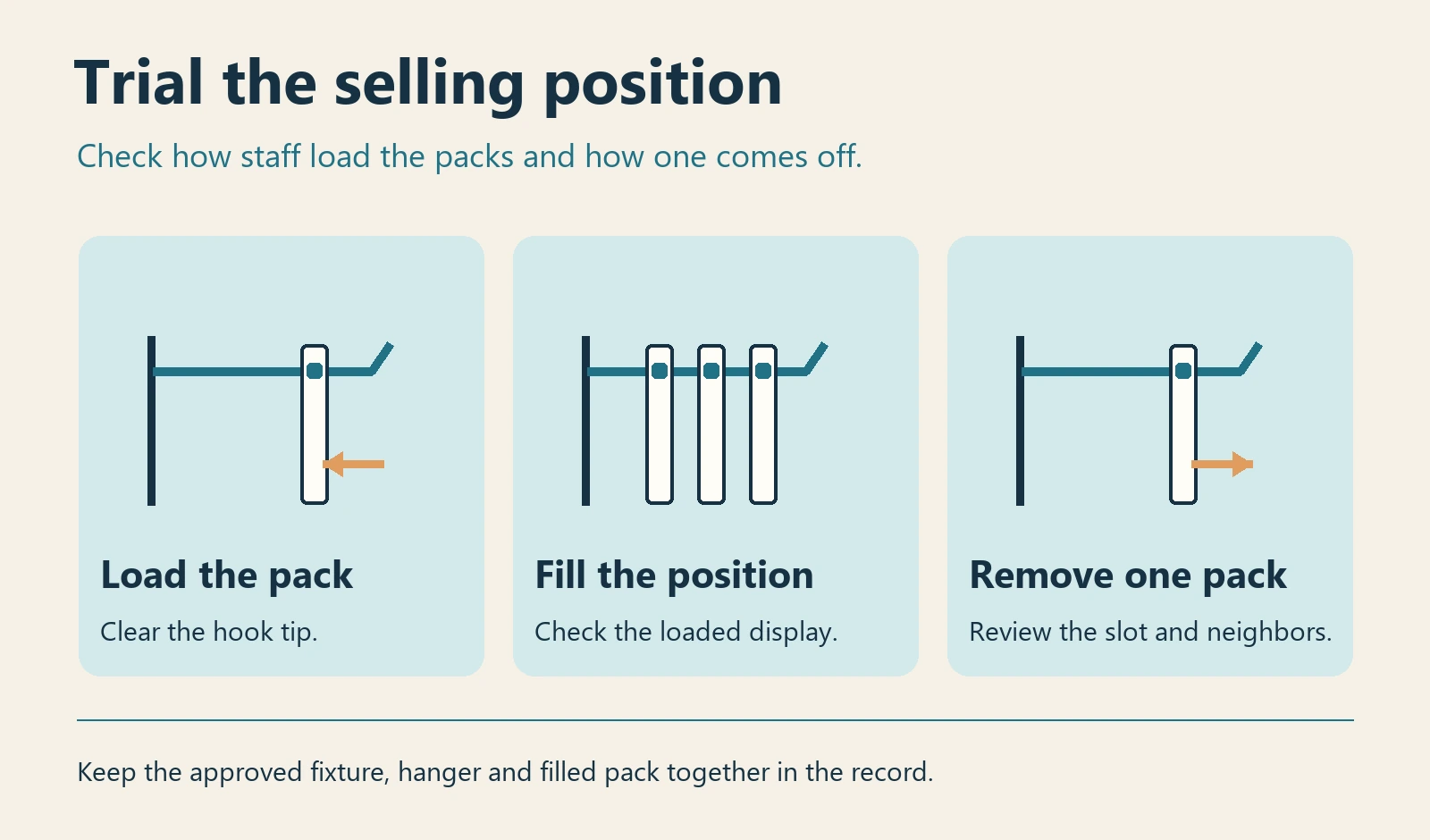
Assemble the specified bag or sleeve, header or tab and all sticker sheets. Include any variant whose different contents could change how the pack hangs. Use the actual attachment method or record how the temporary assembly differs. If the pack shifts to one side, first look at the hanging position and the distribution of the contents in the sealed sample.
| Trial action | Observe on the filled sample | Hold when |
|---|---|---|
| Load a pack | It passes the hook tip and slides to the intended position, using the store's normal approach. | Staff must widen, bend or tear an unapproved part of the package. |
| Fill the display | Check upright presentation, clearance from neighbors and the planned number of units on the hook. | Packs foul adjacent positions or only a lightly filled hook has been tried. |
| Remove and rehang | Check access to the front unit, the condition of the slot or attachment and the way remaining packs sit. | The slot tears, a tab lifts or other packs come off during ordinary handling. |
Assign the hanging component before buying the pack
Compare the same filled pack using the available hanger options. A header change can affect artwork, packing and available height. A separate tab adds a component and an application step. Ask who supplies and assembles it, who approves the trial, and what must be reviewed again if the fixture or pack contents change. Check the closed-pack presentation guide for the separate decision about information shoppers can see on the display.
For a packing quote, send the fixture drawing or model, filled pack dimensions and weight, approved sheet count, required header space and the party fitting the hanger. Ask which packing scope can be reviewed for your project. ZC sticker sheets, sets and retail packing.